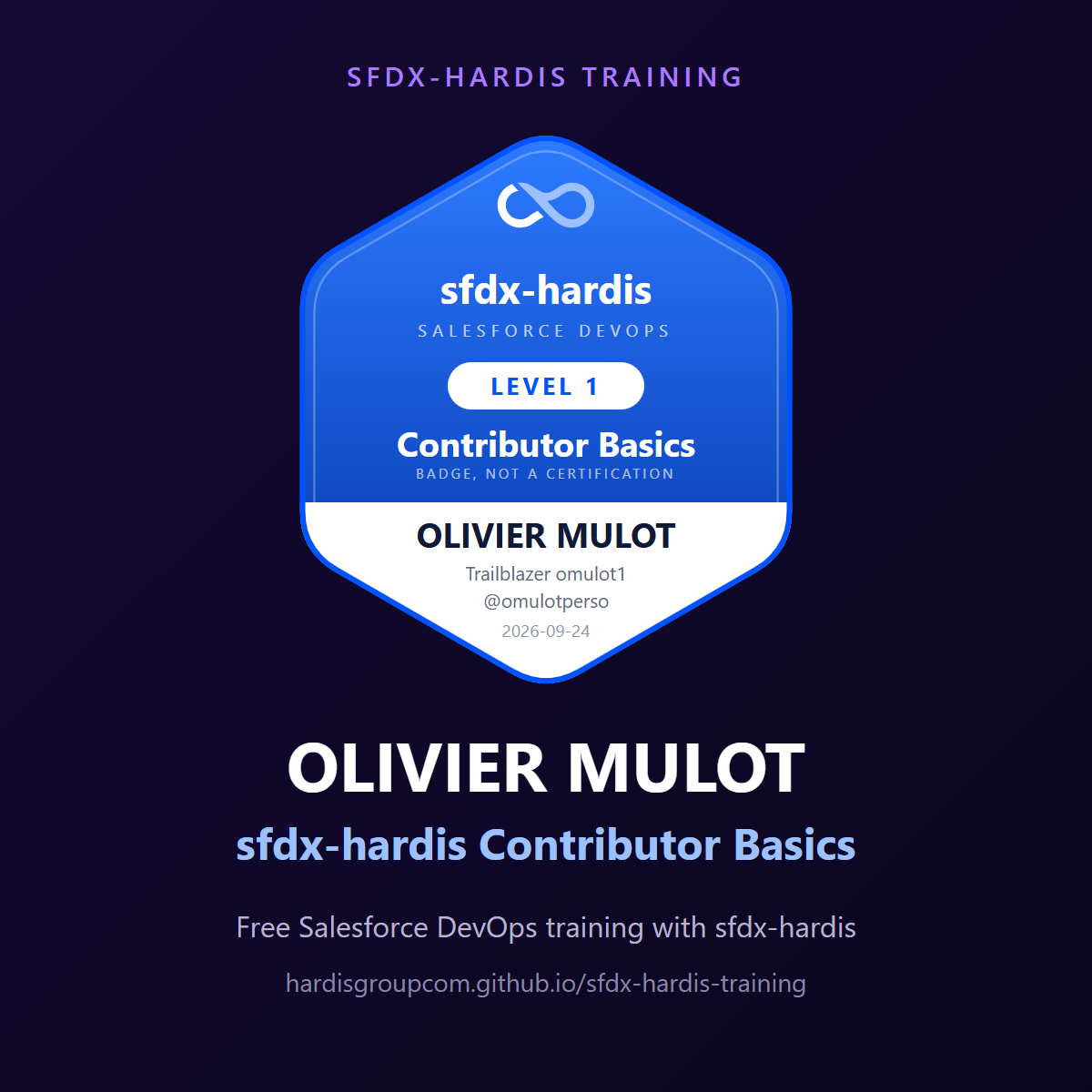
Badges earned by OLIVIER MULOT
GitHub: @omulotperso
Trailblazer: omulot1
| Badge | Awarded | Verified | |
|---|---|---|---|
 |
sfdx-hardis Contributor Basics | 2026-09-24 | 6/6 checks |
What these mean
Each badge was awarded by a job that cloned the repository and re-ran every check of the level against its actual content and history. A level 2 badge also re-ran the level 1 checks, and a level 3 badge re-ran all three.
What is verified is the work in the repository: the fields, the deployment actions, the resolved conflicts, the pipeline configuration. What is not verified is the state of anybody's Salesforce orgs. Nobody is asked for org credentials, and this is not an exam.
It is a badge, not a certification
There is no exam and no accreditation here. Share this page under Featured on LinkedIn, or as a course. Not under Licenses & certifications.
Put it in a banner
The same award drawn for a row of twenty: the Cloudity mark, sfdx-hardis, and which level it is, with nothing personal in it. One picture per level, shared by everybody who earned it, which is what makes its address worth publishing.
Trailhead Banner reads it from the record: type your Trailblazer username and it draws a LinkedIn cover with your rank, your badge and certification counts, and the highest badge you claimed here. Generate it, then set it as your LinkedIn cover.
Share it
LinkedIn opens with this post already written. It is also here, to copy:
I just earned the sfdx-hardis Contributor Basics badge 🎉 https://hardisgroupcom.github.io/sfdx-hardis-training/badges/omulot1/

A free, hands-on Salesforce DevOps course: real Pull Requests, a real pipeline, checked against my public repository.

Get yours: https://hardisgroupcom.github.io/sfdx-hardis-training/

#Salesforce #DevOps #sfdxhardis
LinkedIn X Facebook Bluesky WhatsApp Email
Post it with the full picture
LinkedIn shows a link as a small thumbnail. To show the badge full size, attach this picture to the post:
- Download the picture.
- Copy the post above, with the button at its top right.
- Start a post on LinkedIn, paste the text and add the picture.